Frosted glass, lit by the song
The glass takes on the colors of the playing song's Canvas or album cover. The haze is drawn once per song rather than continuously, keeping the effect light.
A beautiful, lightweight Spotify desktop client.
Unofficial. Requires Spotify Premium.
This looks like an Intel Mac. Spotifine runs on Apple Silicon Macs (M1 and later) with macOS 14 or newer.
Spotifine is for Windows PCs and Apple Silicon Macs. Open this page on one of those to download it.
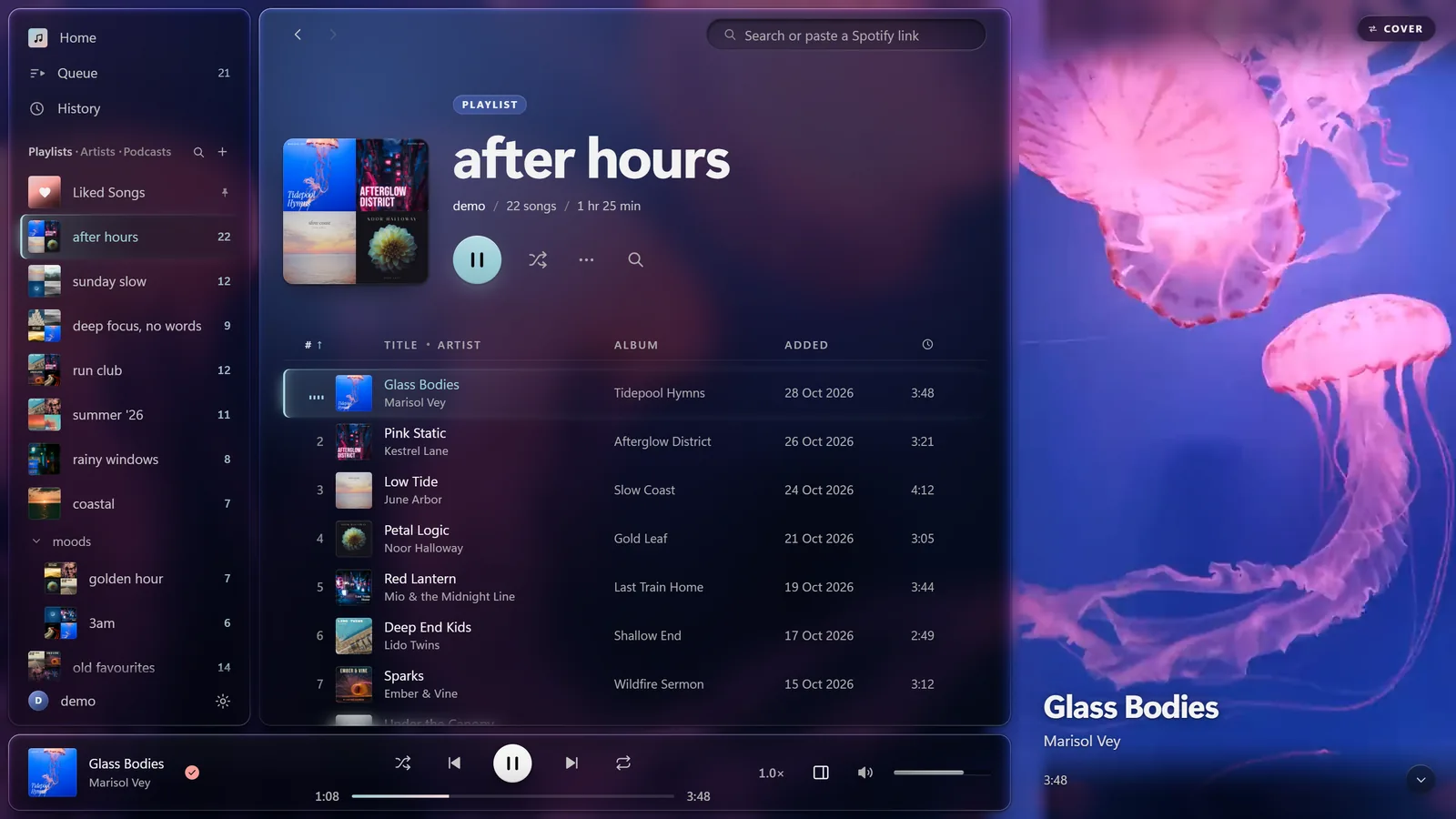
This is Spotifine itself, playing made-up music without sound. Play a song, scroll the playlist, or drag the panel's edge.
Open full windowThe glass takes on the colors of the playing song's Canvas or album cover. The haze is drawn once per song rather than continuously, keeping the effect light.
The official app can keep a CPU busy just playing music. Spotifine plays through a lean native engine, and its interface only redraws what changes. While a song plays it uses effectively no CPU, and when nothing plays, nothing runs.
Windows and macOS may show a security warning the first time you install or open Spotifine.
On top of the essentials: playlists, albums, artist pages, search, the queue, credits, radio and podcasts. No home feed, no AI DJ, no merch.
Also: 320 kbps and gapless, media keys and lock screen controls, listening history kept on your computer, and updates from Settings.